Automatic Door Won’t Open: Safe Facility Checks
An automatic pedestrian door that will not open can be in the wrong mode, lose power, have a blocked sensor, remain mechanically locked, or have an operator fault. Keep routine checks external.
Likely causes
Do not jump straight to the most expensive possibility. These are the common places to start:
- Wrong mode switch setting
- Sensor obstruction
- Lost power
- Mechanical lock engaged
- Operator or control fault
| Possible cause | How to check | Routine first move |
|---|---|---|
| Wrong mode switch setting | Check operating mode switch | Restore correct mode |
| Sensor obstruction | Clear physical obstructions | Clean sensors |
| Lost power | Clean sensor lenses | Remove safe obstructions |
| Mechanical lock engaged | Verify the door is not mechanically locked | Restore accessible power source if allowed |
| Operator or control fault | Check accessible power indicators | Call qualified automatic-door service for operator faults |
Tools and preparation
Bring these
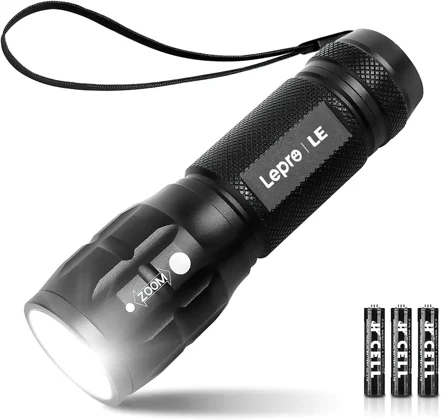
- Flashlight
- Shop towels
- Exact model manual and phone for documentation
Before touching anything
- Confirm the exact location and complaint.
- Photograph labels, settings, fault codes, and the original condition.
- Determine whether the failure affects one item or several nearby items.
- Know how to safely isolate the system if the task requires it.
Step-by-step checks
Check operating mode switch
Read the operator mode label; record whether it is OFF, AUTO, or HOLD OPEN before restoring the authorized normal mode. Do not alter service programming.
Clear physical obstructions
Keep pedestrians clear and remove only loose objects from the normal doorway; never reach into a moving operator.
Clean sensor lenses
With the door secured according to its manual, wipe accessible sensor lenses with a soft cloth; do not change sensor aim or defeat detection.
Verify the door is not mechanically locked
Check the normal lock indicator and authorized unlocking procedure; do not force the powered door against a lock.
Check accessible power indicators
Record visible power or fault indicators. If normal operation does not return, take the opening out of automatic service under the site plan and arrange a trained door technician's safety checks.
Routine fixes that make sense here
- Restore correct mode
- Clean sensors
- Remove safe obstructions
- Restore accessible power source if allowed
- Call qualified automatic-door service for operator faults
Common mistakes
- Replacing parts before proving the failure.
- Changing several settings or components at once.
- Failing to photograph the original condition.
- Ignoring whether nearby equipment has the same symptom.
- Crossing into electrical, refrigerant, life-safety, structural, or plumbing work beyond training.
When to stop and hand it off
- Door strikes or nearly strikes users
- Safety sensor does not respond
- Operator makes grinding or burning noises
- Accessibility route is compromised
Frequently asked questions
What should I check first?
Start by deciding whether the problem is local to one fixture or piece of equipment. Then begin with the simplest safe observation: check operating mode switch.
What is the most common mistake?
Replacing parts before proving the failure. BuildingWrench recommends documenting the symptom, changing one thing at a time, and testing after each change.
When should maintenance stop?
Stop when the repair crosses your training or site-safety boundary. In this case, one clear handoff point is: door strikes or nearly strikes users.
What should I document?
Record the exact location, model or asset tag, what the equipment was doing, what you checked, what you changed, and whether the fix held through repeated testing.
Related BuildingWrench guides
BuildingWrench provides general educational information for commercial-facility maintenance. Manufacturer instructions, applicable codes, site procedures, and required trade qualifications always take priority.
Tools that fit this task
Use what you already own first. These affiliate links may earn a commission at no extra cost to you. Confirm model and compatibility before buying.
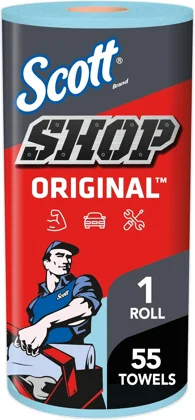
Dry accessible surfaces so fresh leakage is easier to identify; not for hazardous spill cleanup.